
2.3. Task Settings
You can manage the notifications that Pure automatically sends you when a specific task occurs.
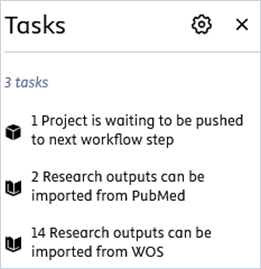
Here is an example of a task notification:
To manage the task settings:
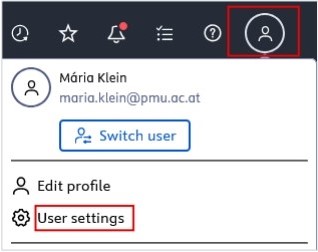
1. Click on Profile menu in the header and select User settings:
3. Select the desired frequency.
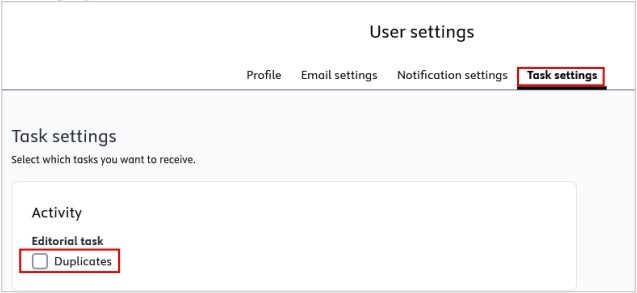
4. Click Save to apply the changes.